Video Tutorials
Watch short, focused walkthroughs of the most common seller workflows on Menon Mobility. Each video pairs with a written guide so you can choose whichever format works best for you.
Getting Started
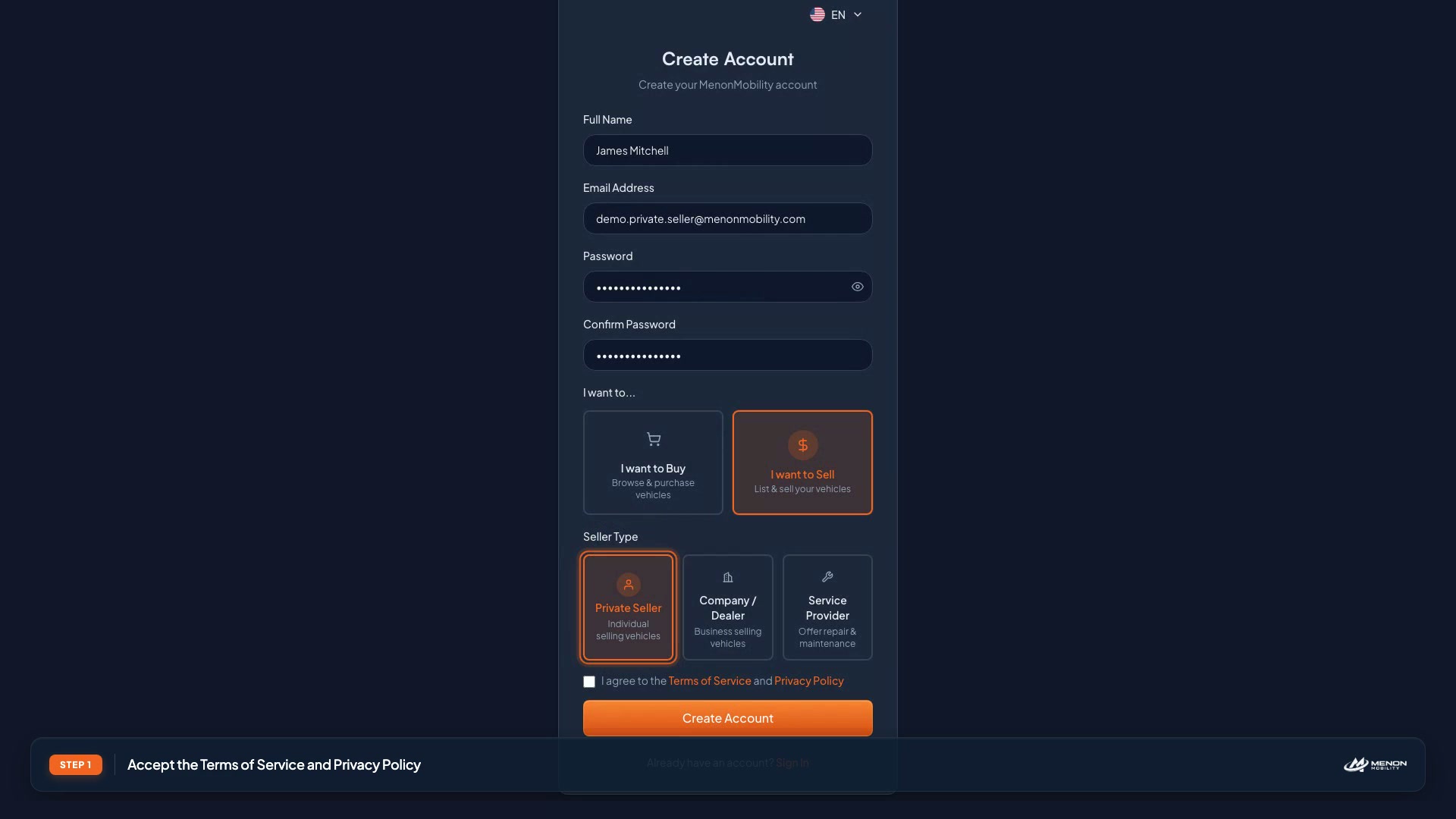
Register as an Individual Seller
Sign up, verify your email, and set up your private seller account.
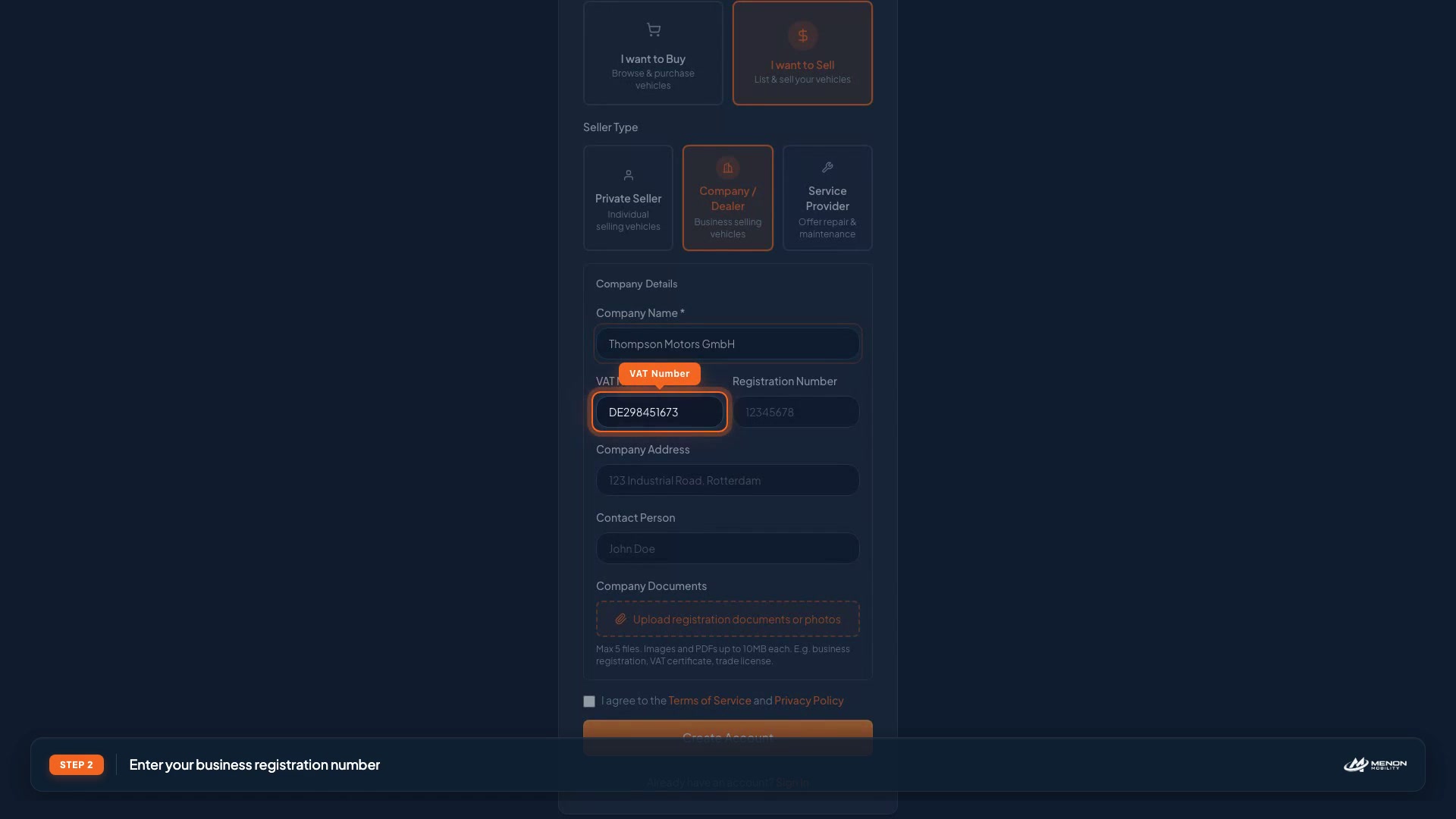
Register as a Corporate Seller
Create a business account for dealerships and fleet operators.
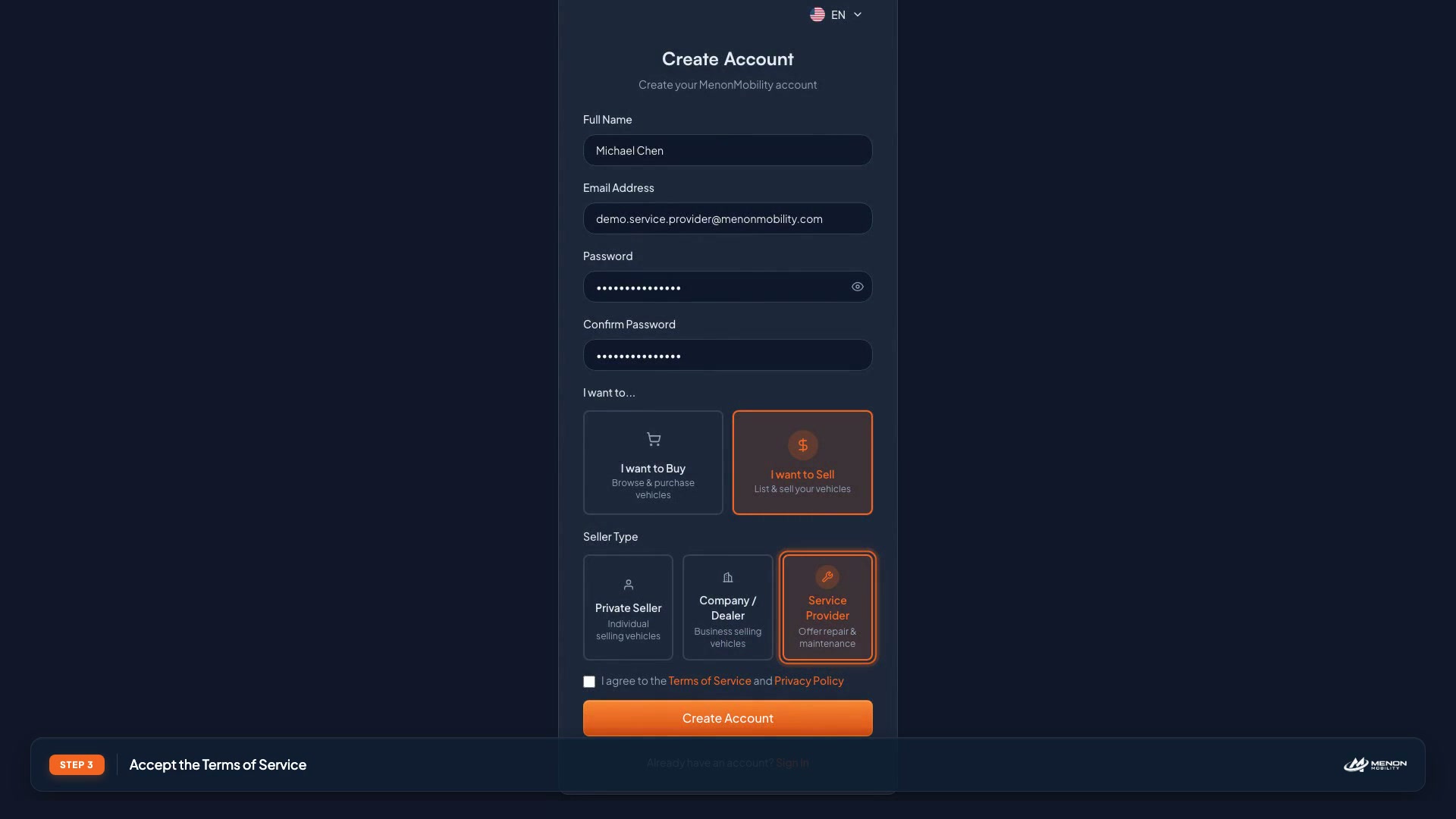
Register as a Service Provider
Join the marketplace as a transport, repair, or financing partner.
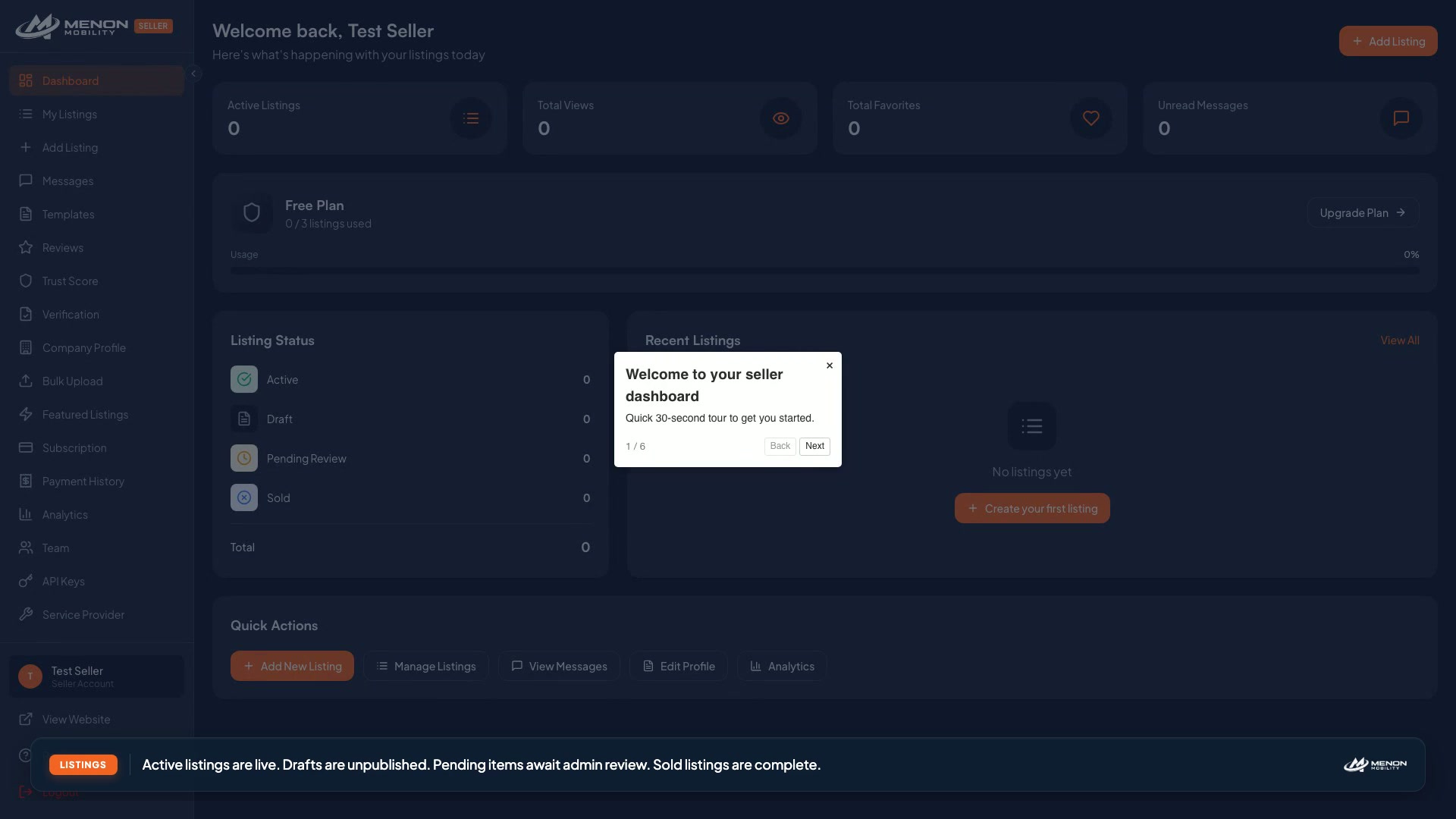
Seller Dashboard Tour
Get oriented with stats, navigation, and quick actions in your dashboard.
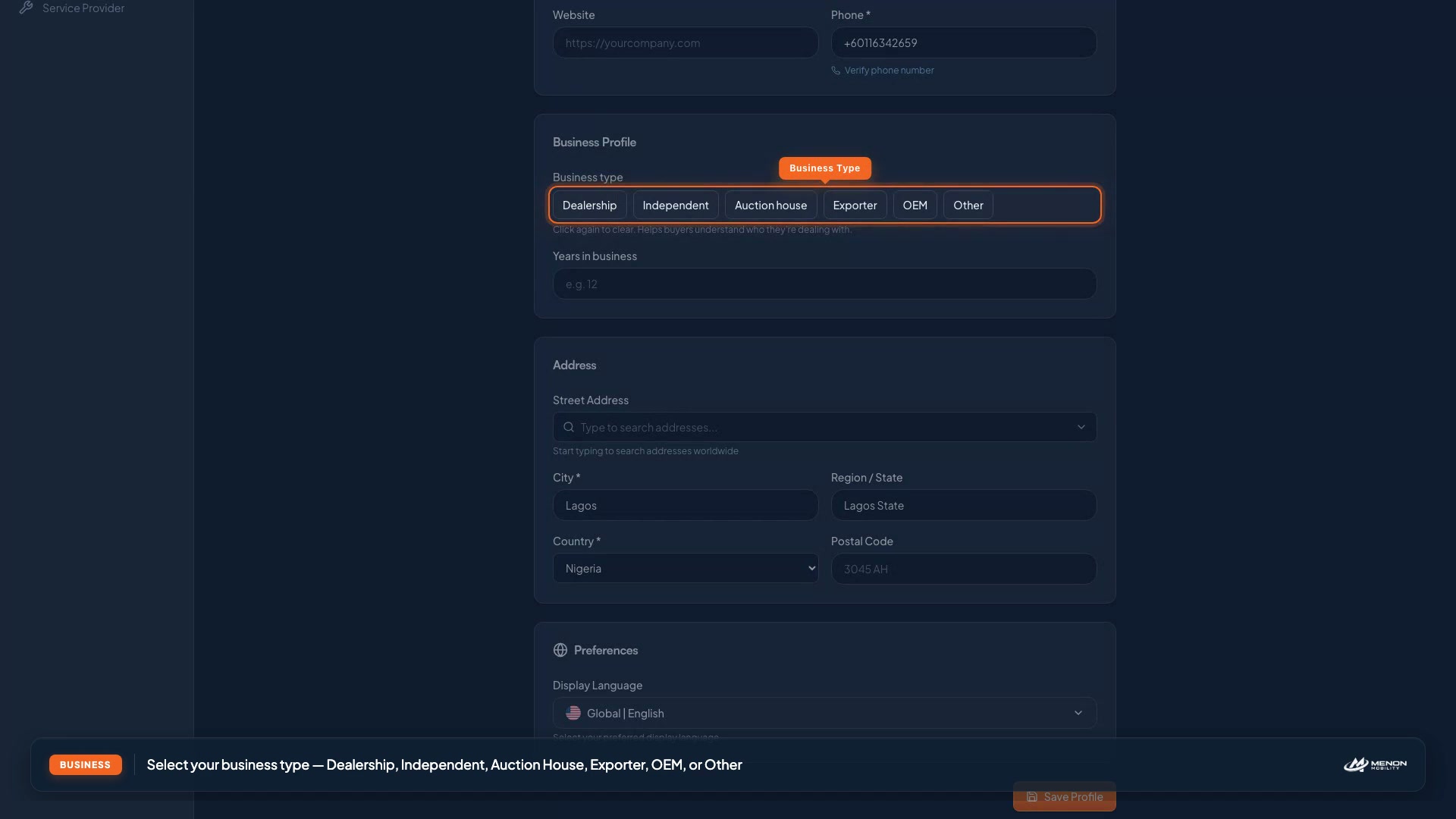
Set Up Your Company Profile
Add your logo, business details, and contact information for trust.
Managing Listings
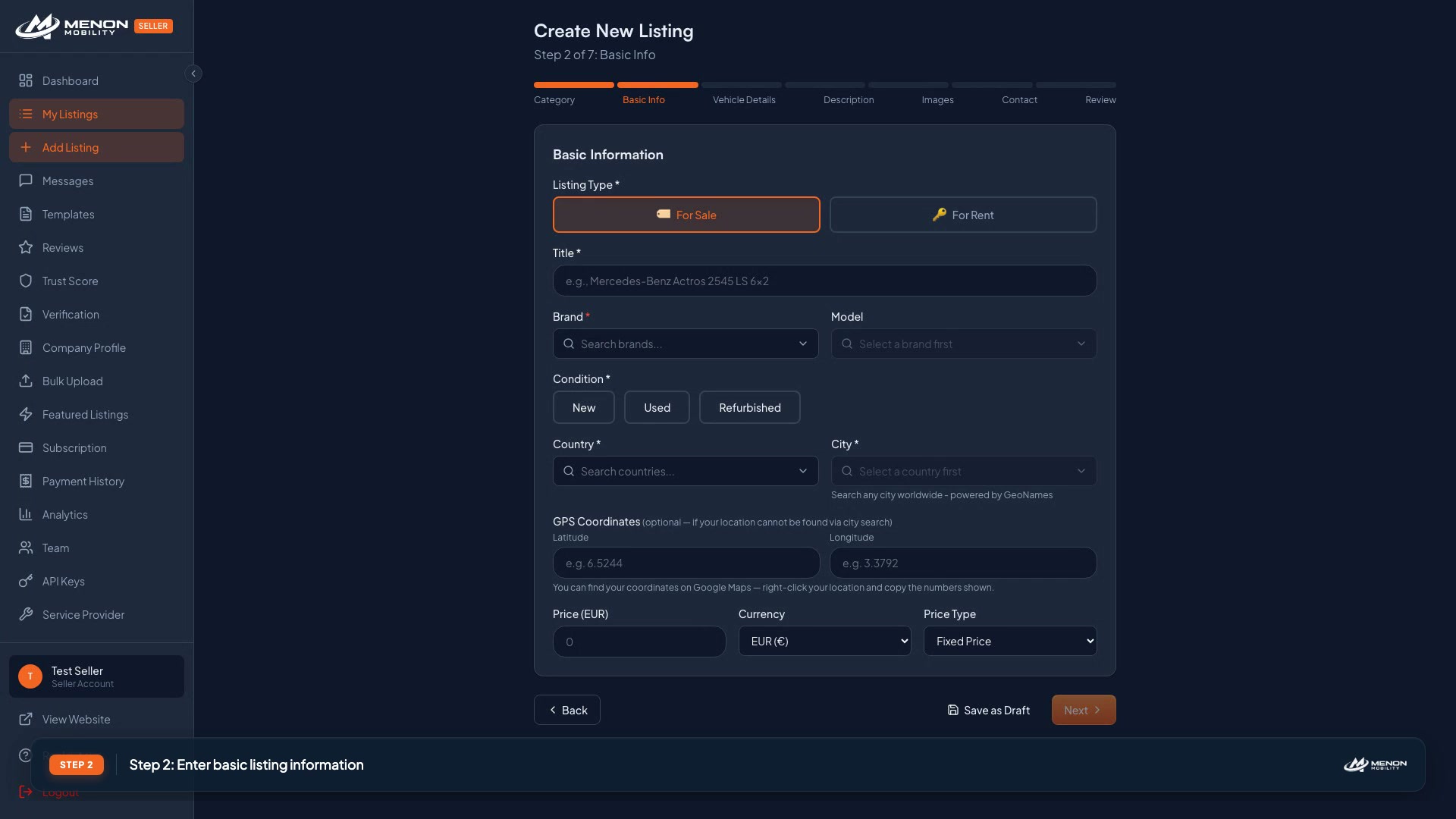
Create Your First Listing
Step through the listing wizard, from photos to pricing to publishing.
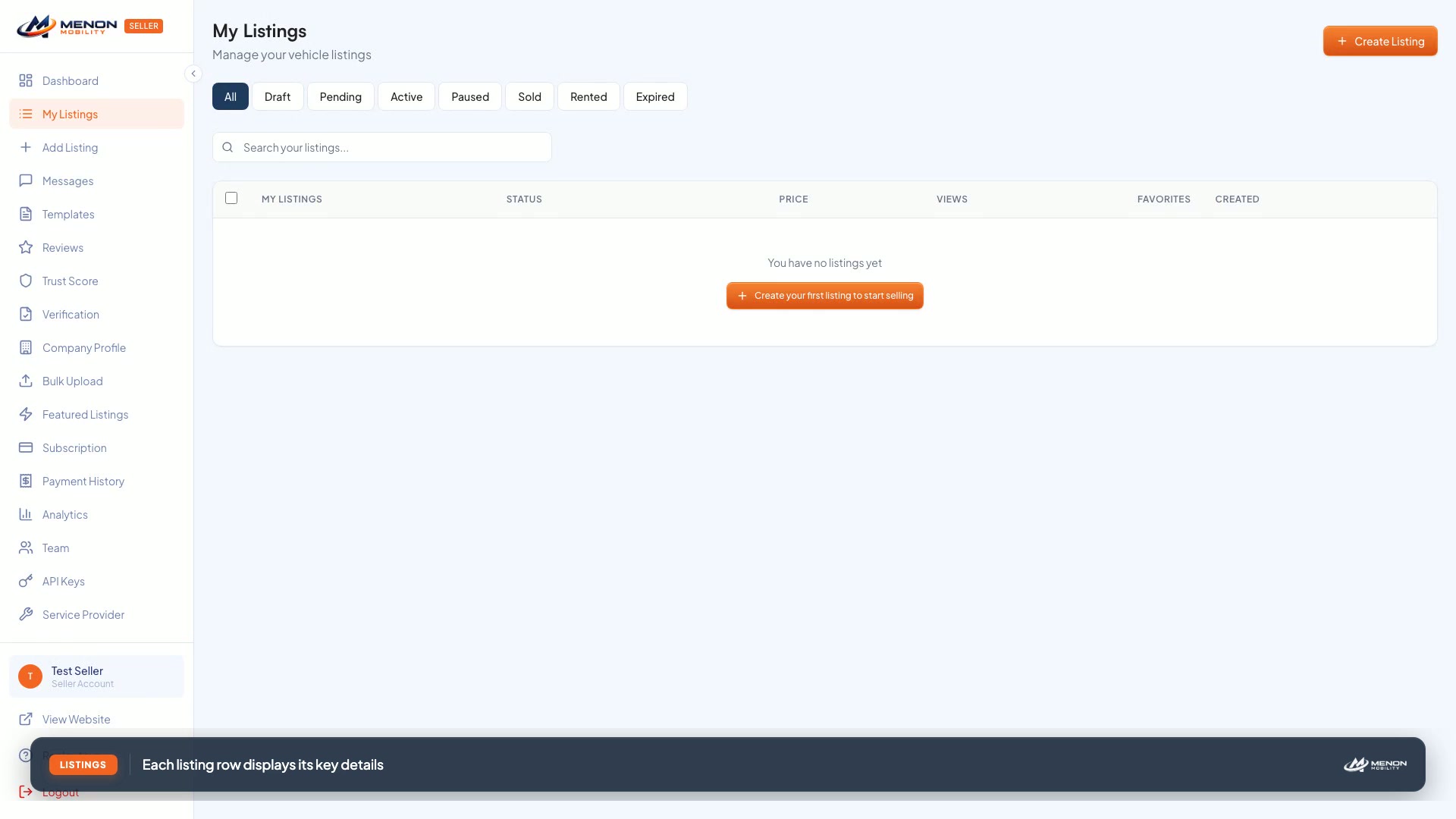
Manage Your Listings
Edit, pause, duplicate, and organize your inventory efficiently.
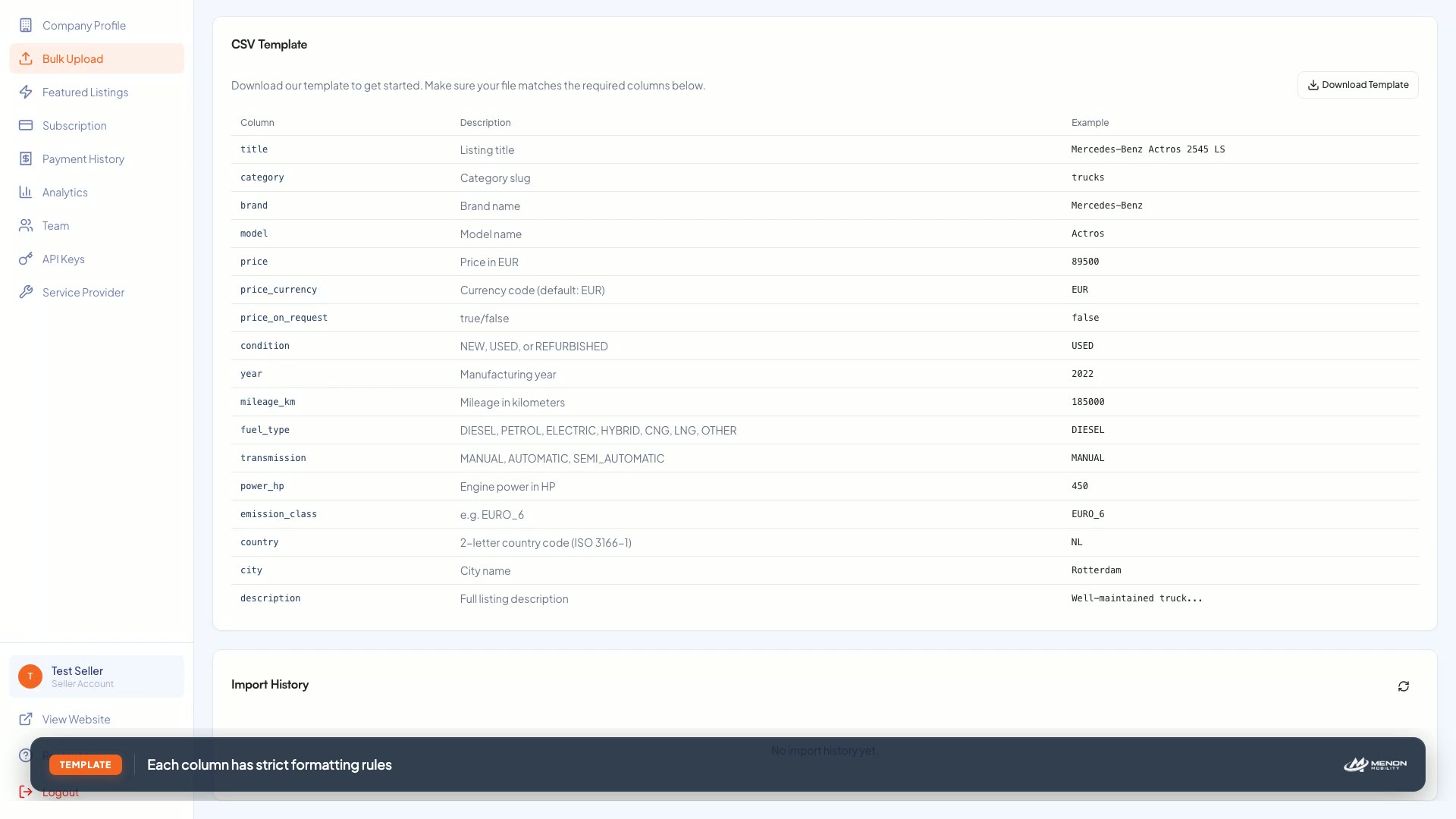
Bulk Upload Vehicles
Import an entire inventory via Excel or CSV in minutes.
Edit an Existing Listing
Update photos, price, and specifications on a live listing.
Feature a Listing
Promote a vehicle for premium visibility and faster sales.
Manage Featured Slots
Track your featured credits and rotate promoted listings.
Communication & Reviews
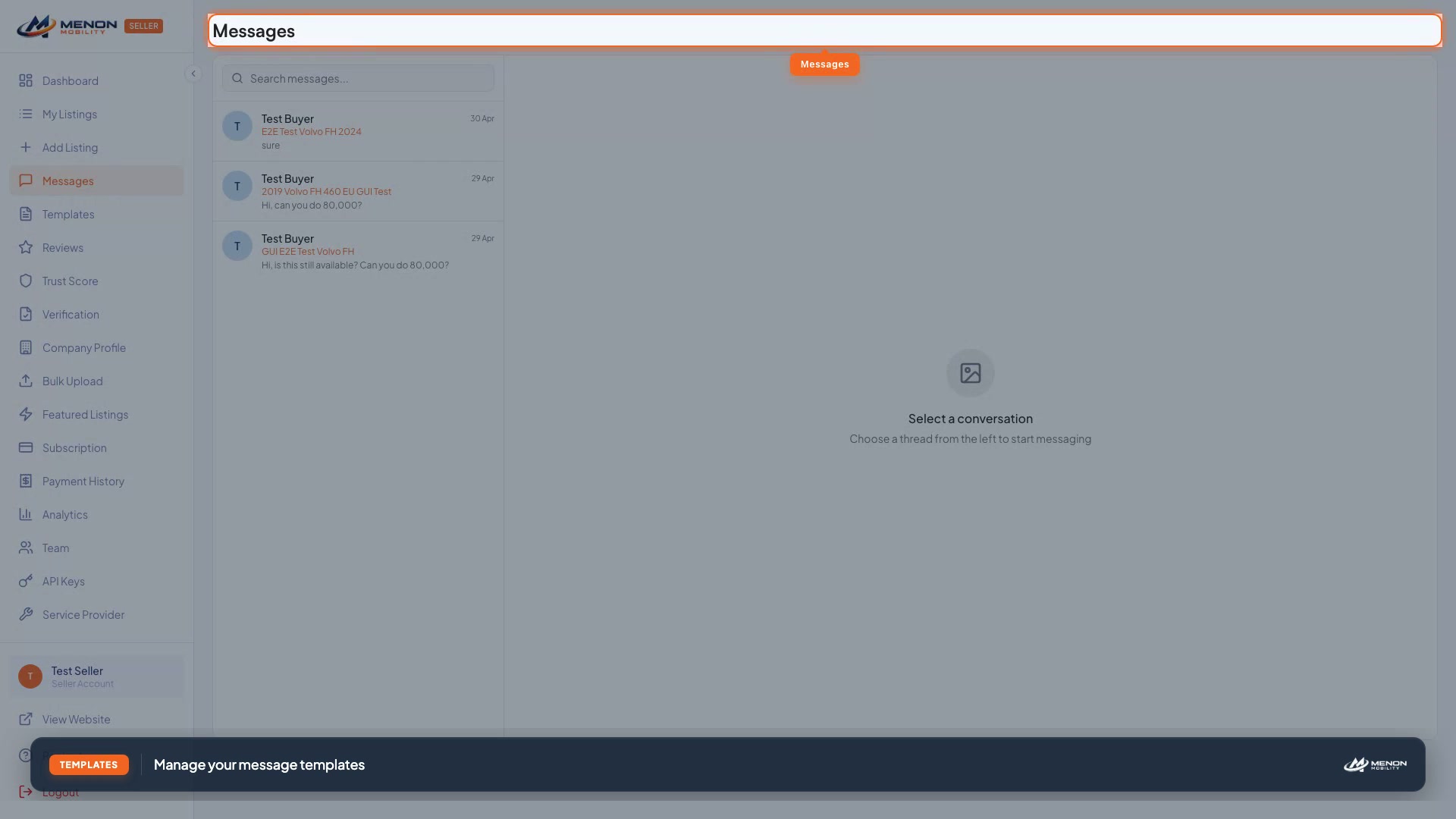
Account Management
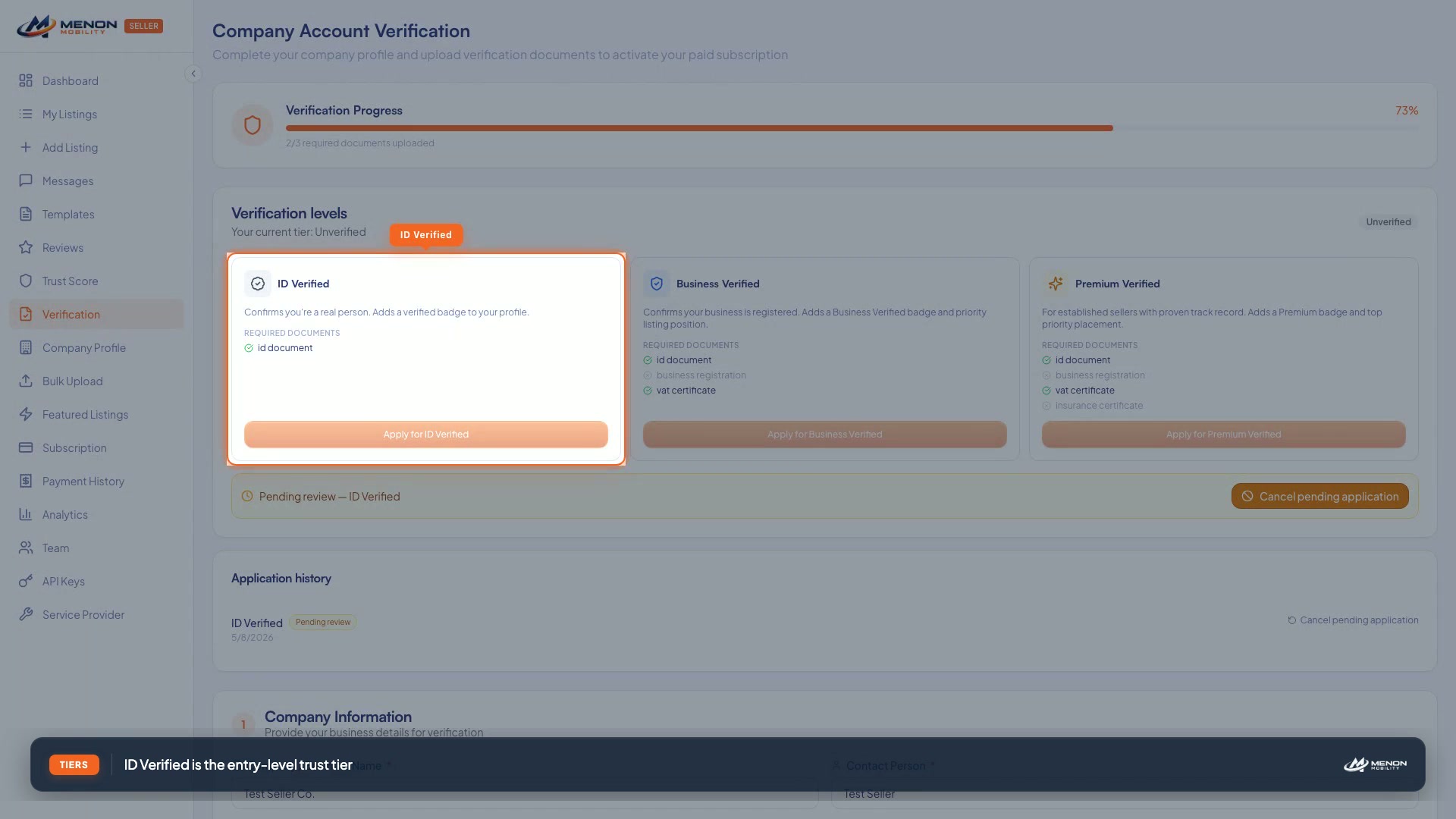
Verify Your Account
Submit documents to earn the verified badge and boost trust score.
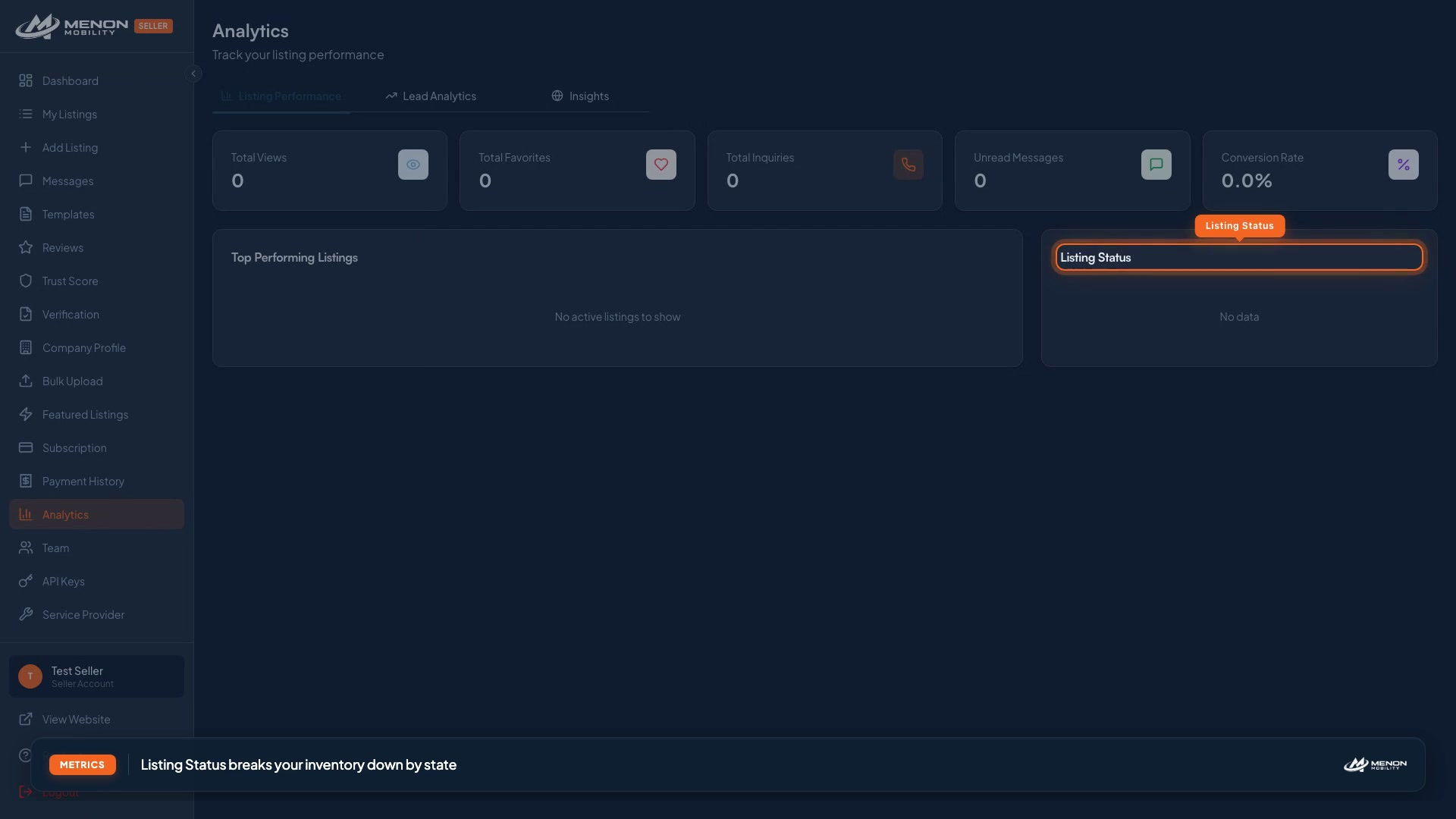
Read Your Analytics
Track views, inquiries, and conversion to learn what is working.
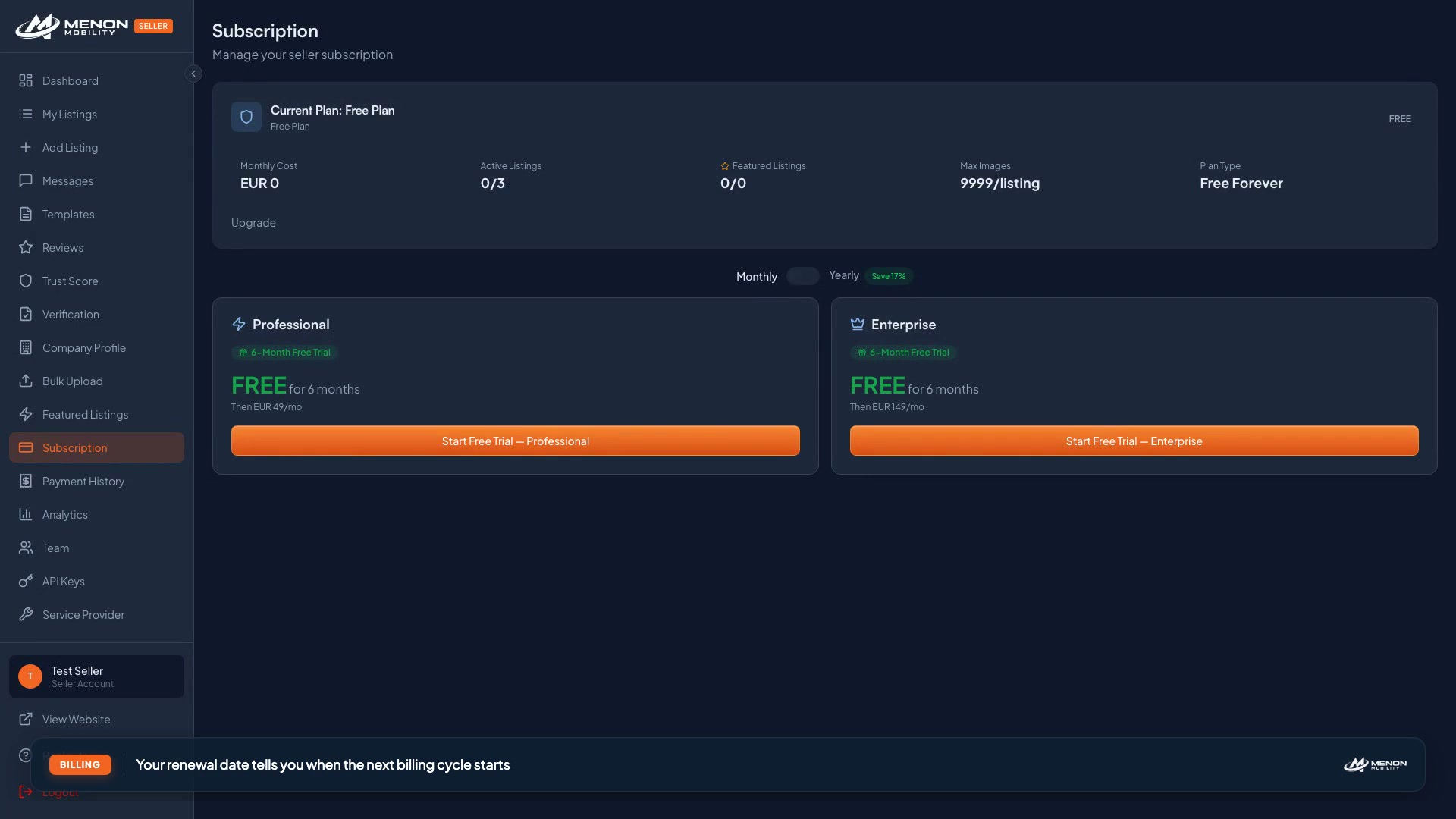
Choose & Manage Your Plan
Compare plans, upgrade, and manage billing in one place.
Add Team Members
Invite teammates with role-based permissions.
Set Up API Keys & Webhooks
Connect external inventory systems with the Menon API.
Looking for written guides?
Every video has a matching written walkthrough in the Seller Guide. The videos are great for a quick overview; the written docs go deeper into edge cases, troubleshooting, and best practices.